 Teddy Warner
2.2 KiB
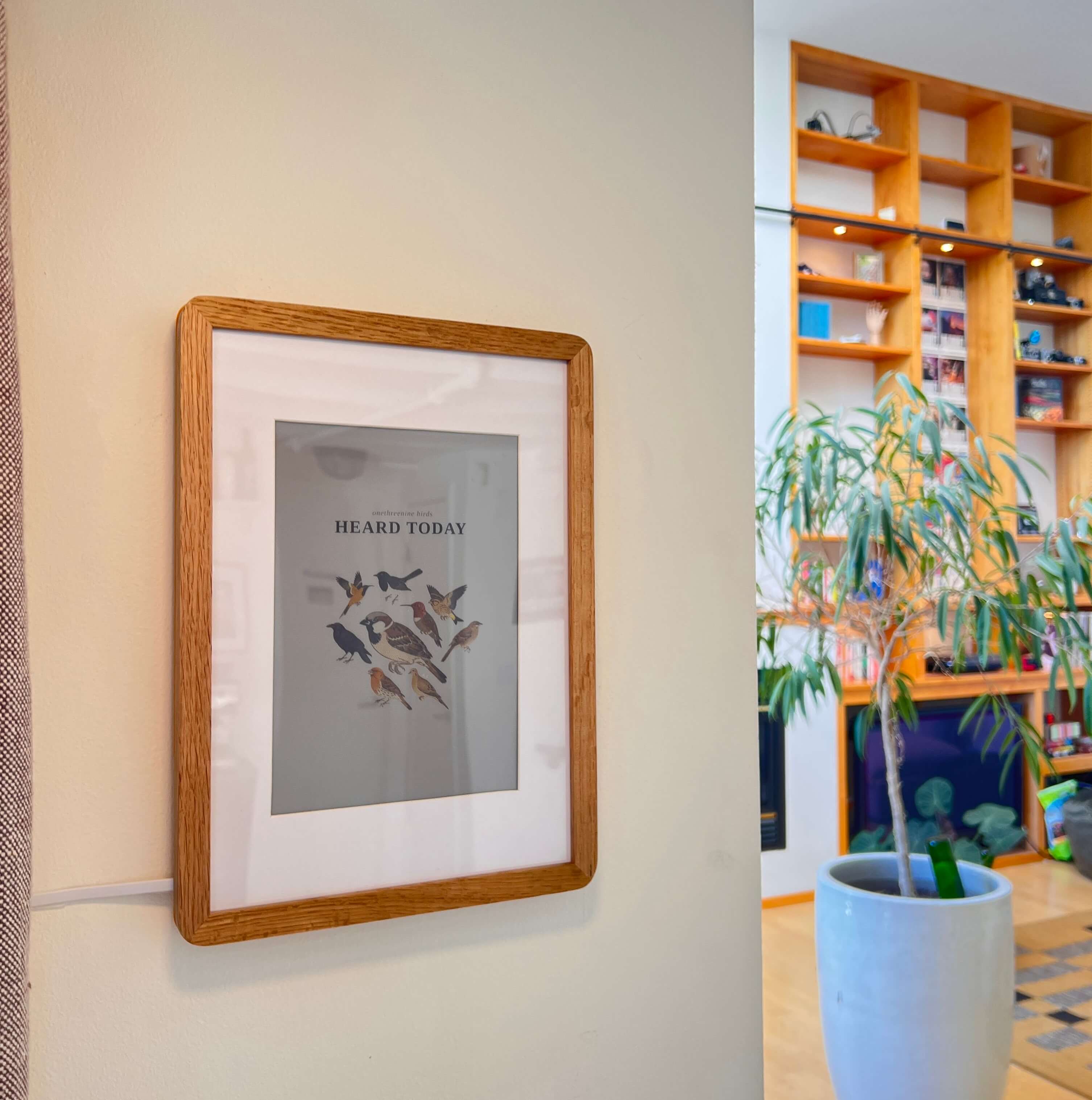
AvianVisitors e-ink frame
The last 24h of birds, framed on the wall by your window.
A Pimoroni Inky Impression 13.3" (Spectra 6) mirroring the live collage. A Pi screenshots the site, mats it onto an A5 opening, and pushes to the panel, refreshing only when the birds change. Build one of your own at theodore.net/projects/AvianVisitors#frame-ous.
BOM
| Qty | Description | Price | Link |
|---|---|---|---|
| 1 | Raspberry Pi Zero (2) W | ~$35 | Amazon |
| 1 | 13.3" E Ink Display | $299.99 | Amazon |
| 1 | A4 Wood Photo Frame | $21.99 | Amazon |
| 1 | Long, Flat Micro USB Cable | $7.99 | Amazon |
| 1 | Flat USB Brick | $7.59 | Amazon |
| Total | ~$372 |
CAD + 3d print files can be found in hardware/.
1. Flash the SD card
Flash an sd card with Raspberry Pi OS Lite (64-bit) via Raspberry Pi Imager. In the customisation dialog set:
- Username
- WiFi SSID + password
- Hostname:
birdpic - Enable SSH with password auth
Then install in Pi and power up.
2. Run the installer
ssh <your-username>@birdpic.local
git clone https://github.com/Twarner491/AvianVisitors
cd AvianVisitors/frame && ./install.sh
Enables SPI + I2C, installs the deps and a 15-minute systemd timer, writes ~/.birdframe/config.toml, and reboots once to bring SPI up.
3. Point it at the collage
After it reboots and comes back, set your image source in ~/.birdframe/config.toml. The Pi is too small to run a browser, so it fetches a ready-made PNG that the aggregator Worker renders at /frame.png, gated by a key:
base_url  = "https://bird.onethreenine.net"
image_url = "https://bird.onethreenine.net/frame.png?k=YOUR_FRAME_KEY"
No Worker? Set shoot = true to screenshot on any capable host instead. Full options are in config.example.toml.